Installation
Download and Install Scrapling
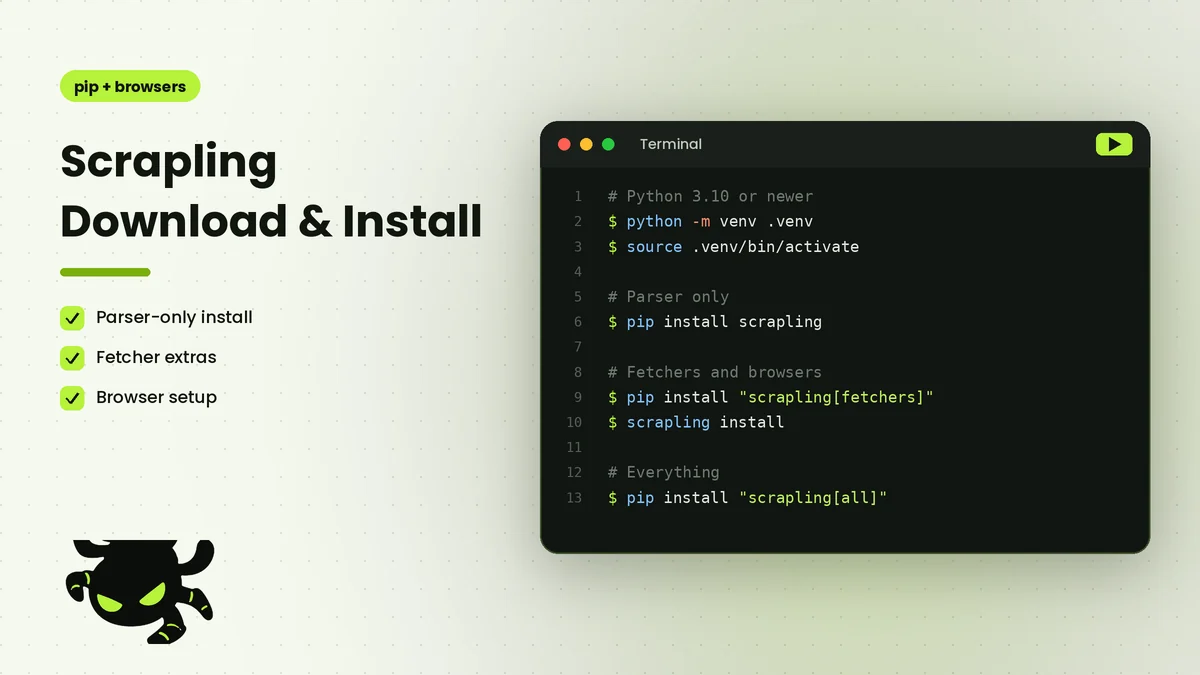
Scrapling download explained: install the parser with pip, add fetcher extras, set up browsers with scrapling install and verify your Python environment.
Read guidePractical articles on installing Scrapling, connecting it to AI tools, running it in containers and writing scrapers that keep working when websites change.
Scrapling download explained: install the parser with pip, add fetcher extras, set up browsers with scrapling install and verify your Python environment.
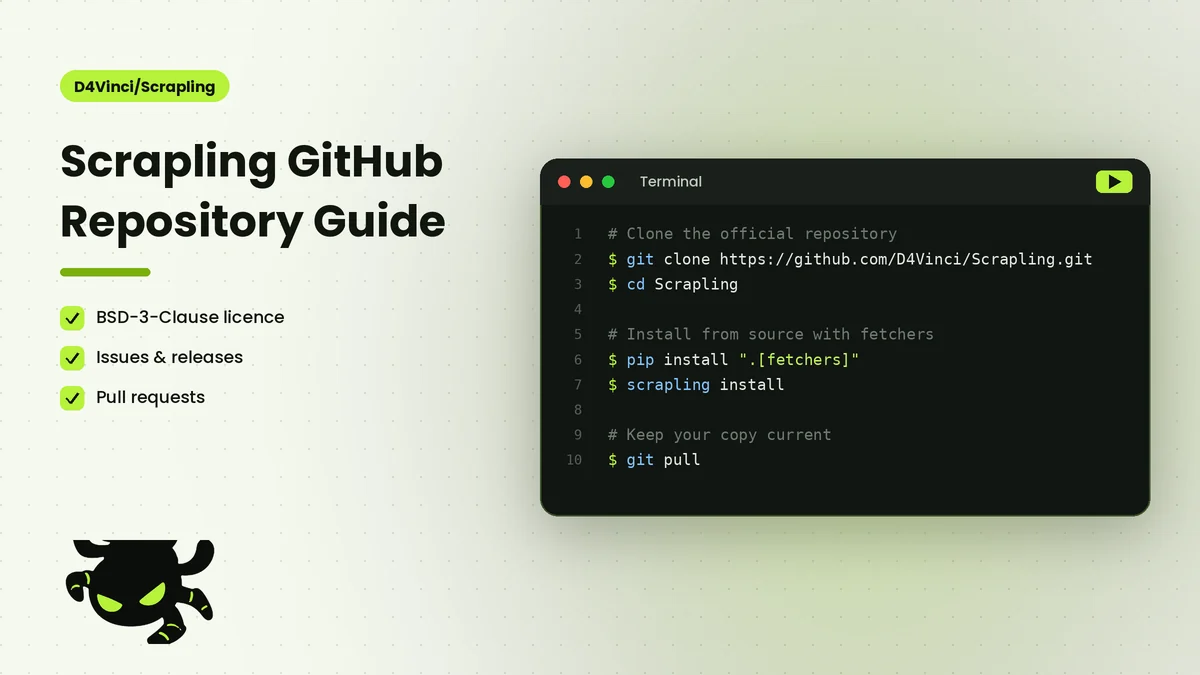
Read guideScrapling GitHub repository explained: clone D4Vinci/Scrapling, install from source, follow releases, report issues and contribute pull requests.
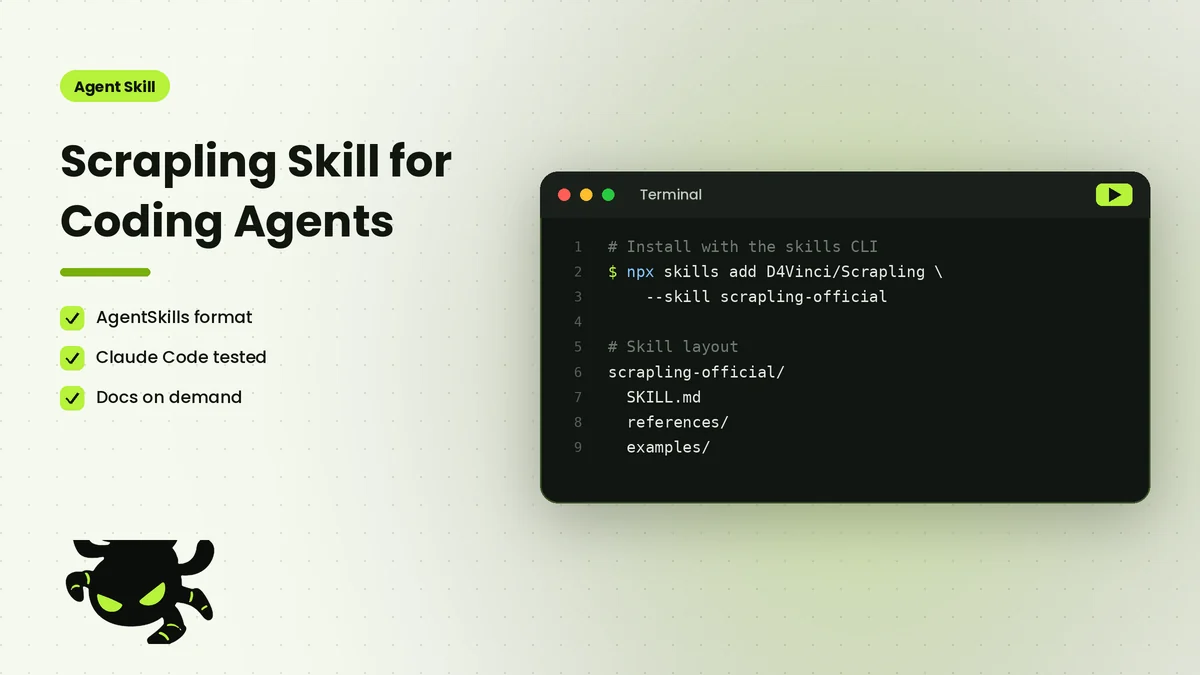
Read guideScrapling skill explained: what the official Agent Skill contains, how to install it with skills.sh, Clawhub or manually, and how agents use it.
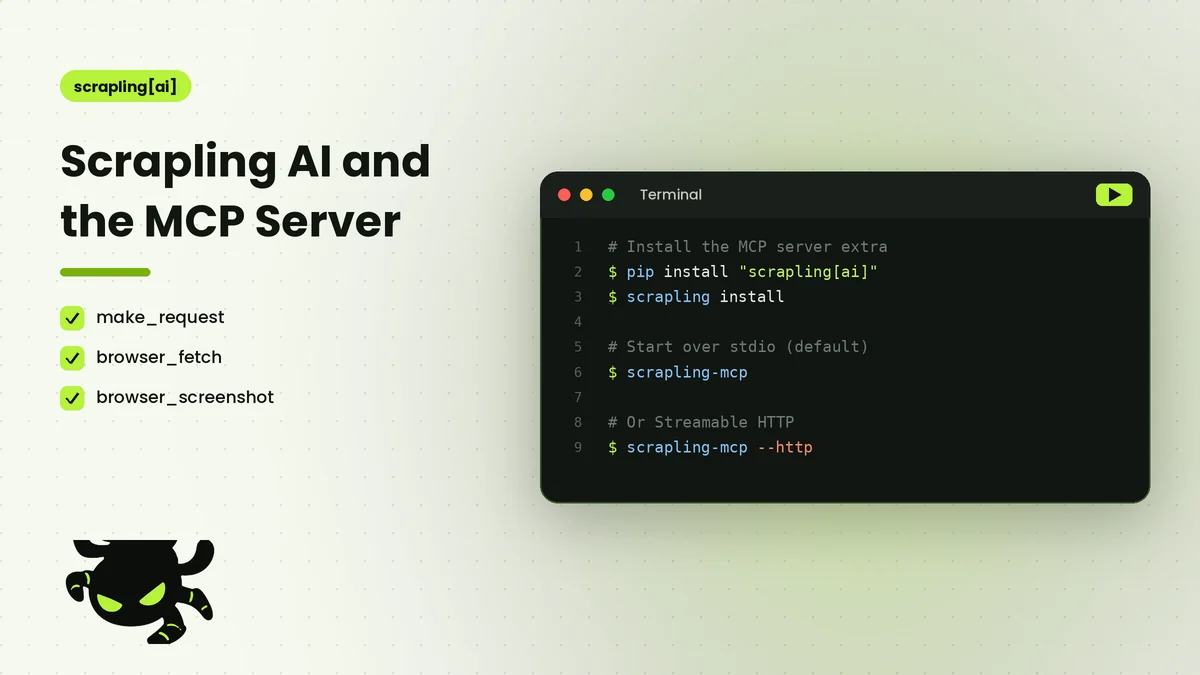
Read guideScrapling AI features explained: install scrapling[ai], run the MCP server over stdio or HTTP, explore its tools and connect assistants such as Claude or Cursor.
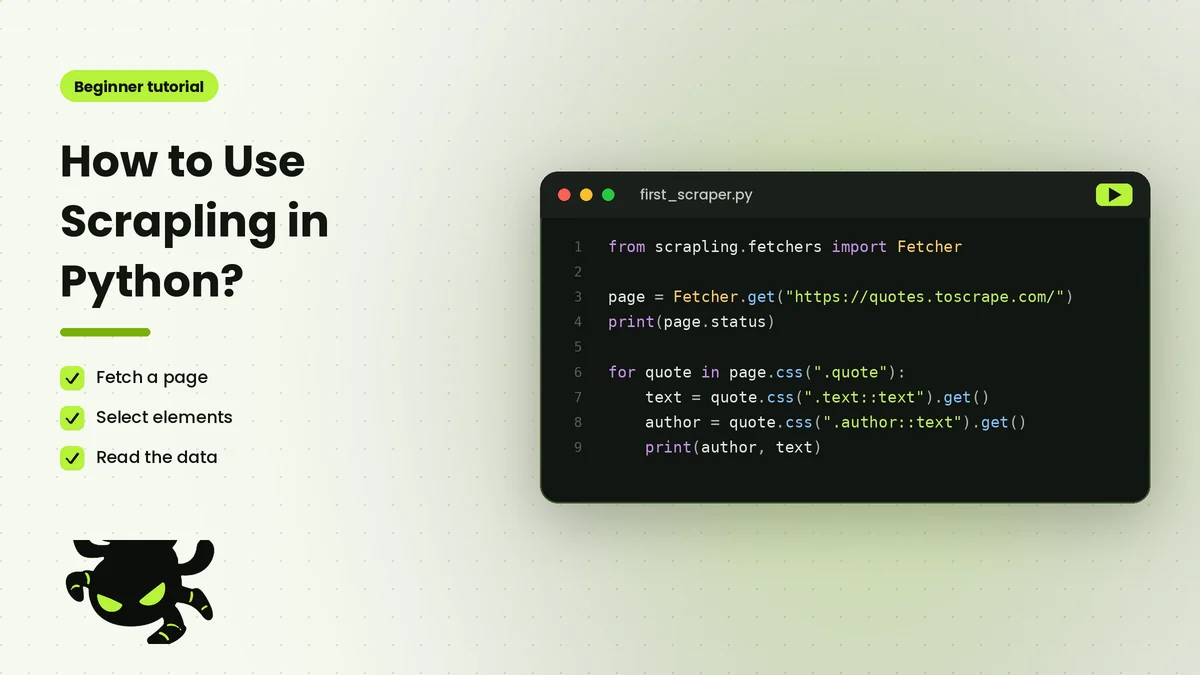
Read guideHow to use Scrapling: install it, fetch pages with Fetcher, select data with CSS and XPath, handle JavaScript with StealthyFetcher and scale with spiders.
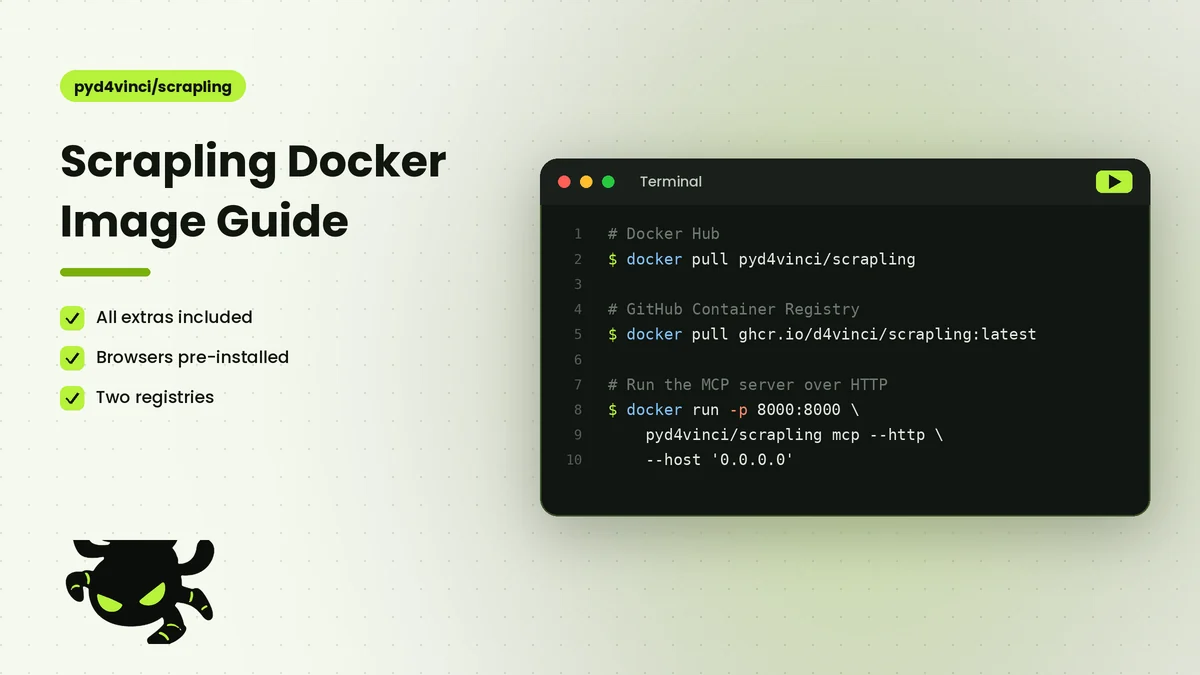
Read guideScrapling Docker setup: pull pyd4vinci/scrapling or the GHCR image, run scripts with mounted folders and host the MCP server with an auth token.
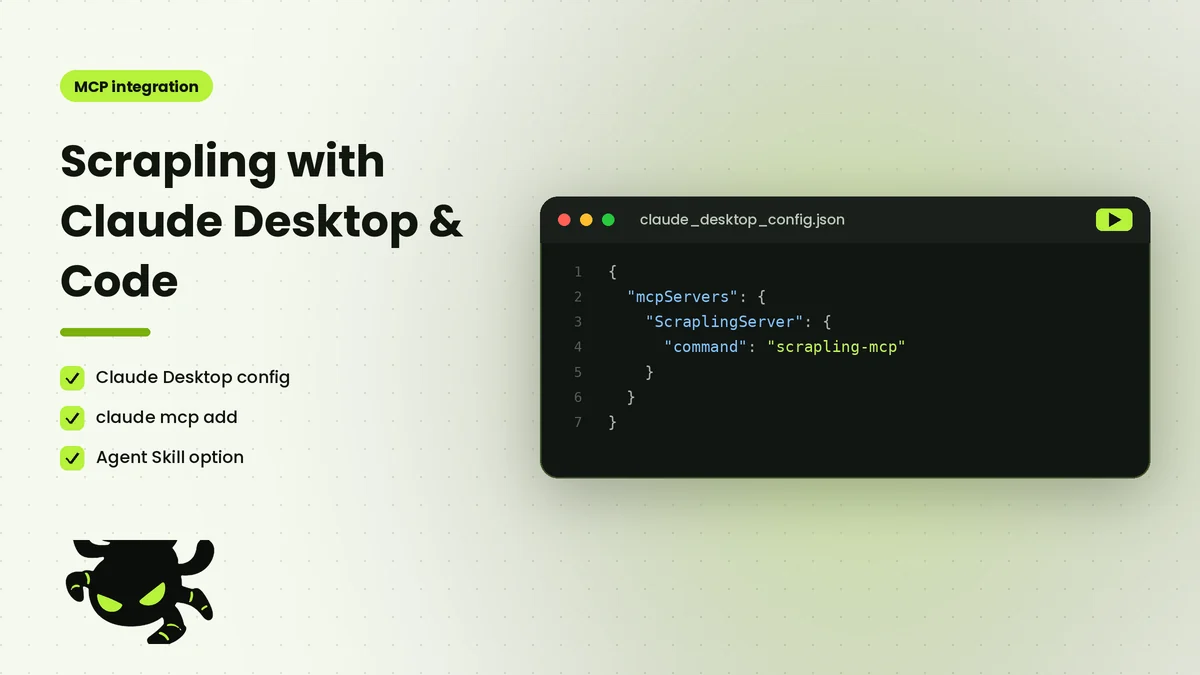
Read guideScrapling Claude setup: add the Scrapling MCP server to Claude Desktop or Claude Code, use the Docker option and install the Scrapling skill for coding.
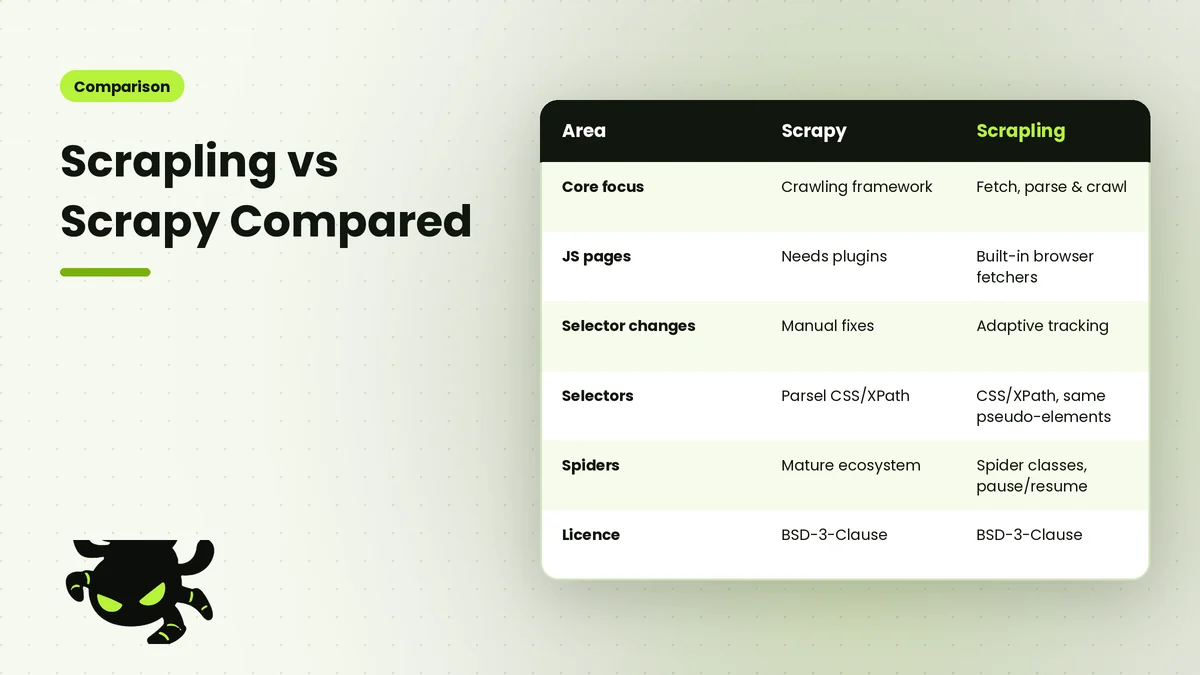
Read guideScrapling vs Scrapy compared: fetching, JavaScript pages, adaptive selectors, spiders, ecosystem and learning curve, with guidance on which suits your project.
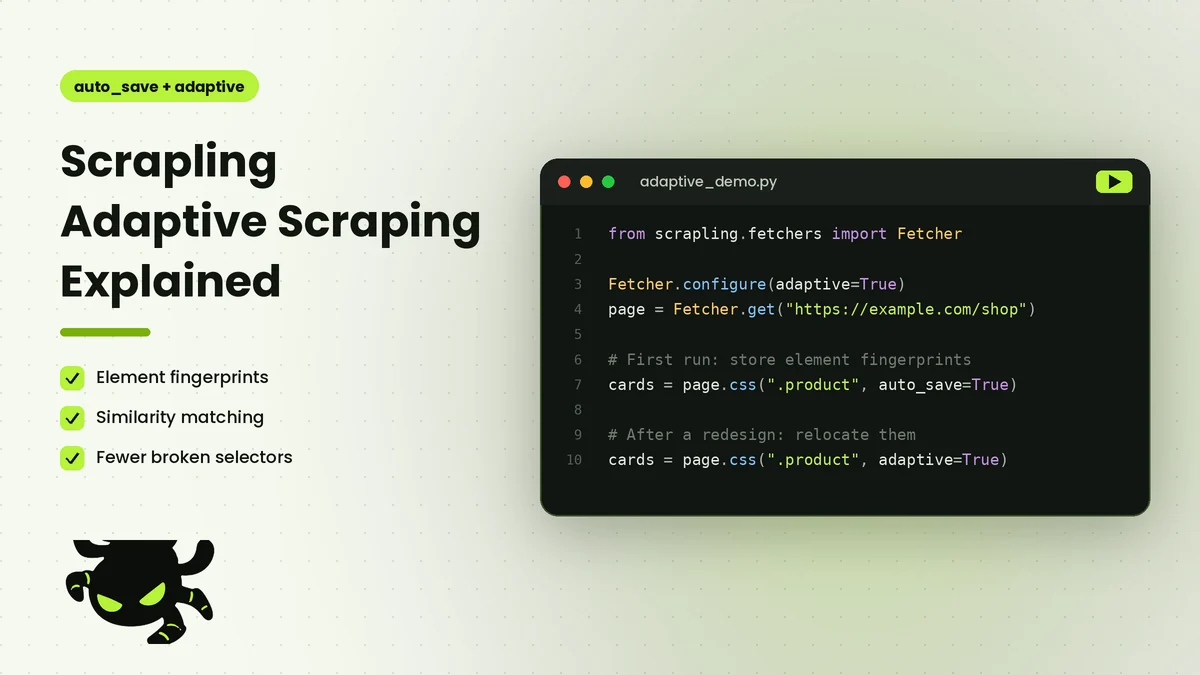
Read guideScrapling adaptive scraping explained: enable adaptive mode, save element fingerprints with auto_save, relocate elements with adaptive=True and know its limits.
Read guide